Guides· 10 min read· Dishment team
Wolt Partner in Baku: how to put your restaurant on Wolt, commissions and the app
Becoming a Wolt partner: signing up a restaurant, taking orders in the Merchant App, how commission hits your margin, a delivery menu and POS integration.
Among restaurant owners in Baku, «should we go on Wolt?» is now as ordinary a question as «should we open an Instagram account?». To become a Wolt partner you fill in a form, upload a menu and start taking orders on a tablet. On paper it is simple. The trouble starts later: at one o'clock on a Friday plov orders arrive at the same time as the lunch crowd, the tablet beeps behind the bar, and nobody hears it.
Below: signing a restaurant up on Wolt, daily work in the Merchant App and what commission does to your margin, based on Wolt's own official pages. We don't quote a commission rate: Wolt sets it in each restaurant's agreement and there is no public tariff for Azerbaijan.
What Wolt Partner is
Wolt Partner («Wolt for Merchants» in Wolt's own words) means selling through the Wolt app. Guests find you in the app and order; you accept and prepare the order in the Merchant App; a Wolt courier delivers it or the guest picks it up.
There are two tools, and it helps not to mix them up:
- Merchant App. Taking orders on a tablet: new orders, preparation time, the «ready» button, closing temporarily.
- Merchant Portal. Management on a computer: menu, prices, users, reports and payout summaries.
A real fact. Wolt has operated in Baku since 2019. In November 2025 it launched in Sheki; at the time the company said it was also working in Baku, Sumgayit, Ganja, Lankaran, Guba, Shusha, Khankendi, Gabala, Mingachevir and Nakhchivan (tech.az, 13 November 2025). If your cafe is outside Baku, the Wolt question applies to you too.
Signing up on Wolt: steps and documents
According to Wolt's partner page for Azerbaijan, you fill in a form or contact the sales team. During onboarding you create a username and password, choose how you receive orders, add your venue details, menu items and prices, and connect a bank account.
The public page has no full list of documents; the sales manager provides it. From experience, it saves time to have these ready:
| What to prepare | Why |
|---|---|
| Tax ID (VÖEN) and bank details | For the agreement and payouts |
| AQTA registration extract | Your legal basis for selling food: AQTA registration |
| A delivery menu | Not the whole dining-room menu, just dishes that travel well |
| A photo and short description of each dish | In the app, guests choose by the photo |
| Allergens and ingredients | The item form in the Merchant Portal has fields for them |
| Packaging | Separate containers for hot, cold, sauces and salads |
| A person in charge of orders | Who watches the tablet on each shift |
The questions to ask before you sign are in a table in our article Wolt, Bolt Food or own delivery: what amount the commission is calculated on, who pays for promotions, who loses the money on a cancelled order.
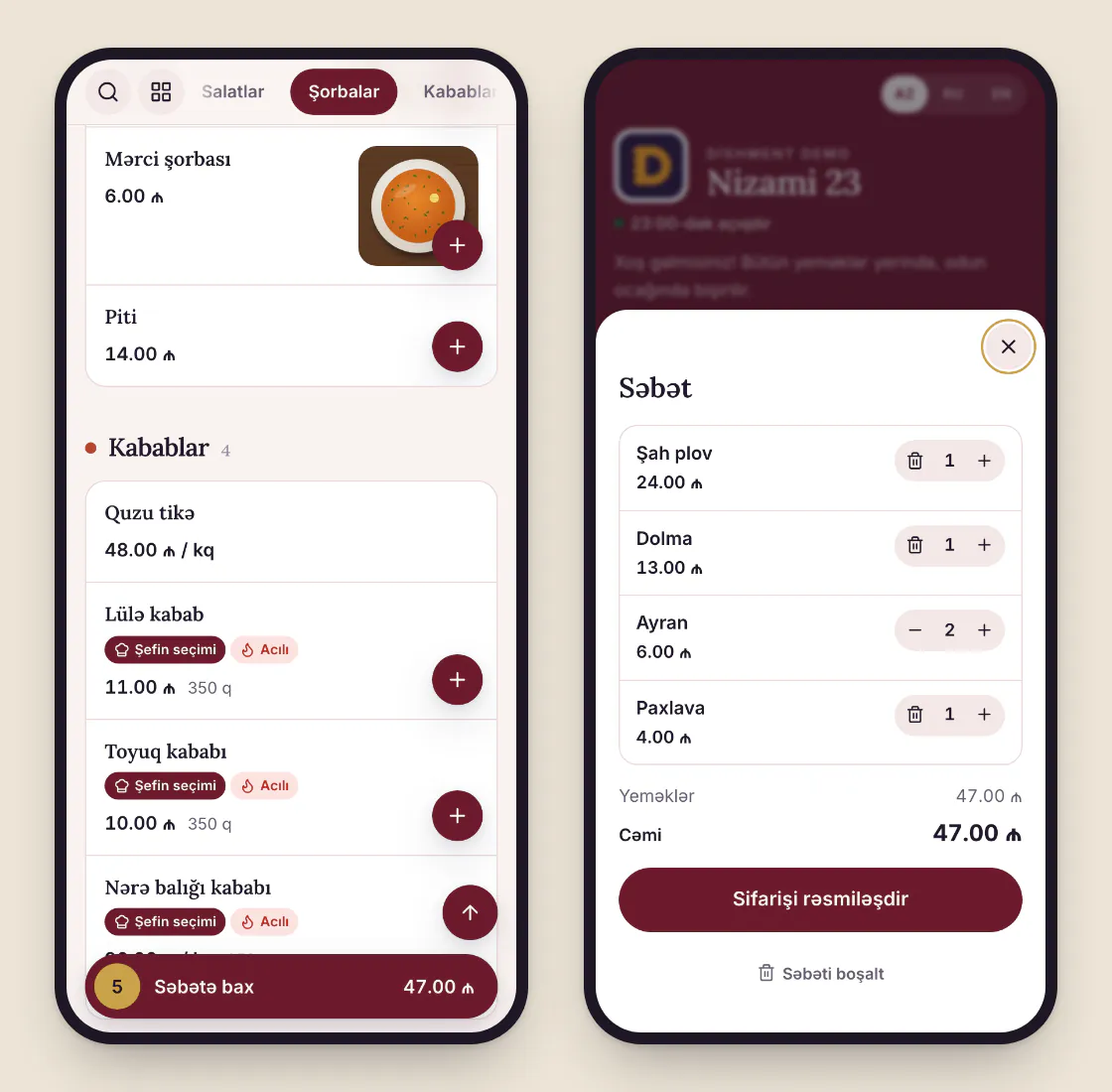
The Wolt Partner app: accepting orders, prep time, sold-out items
The key rules from Wolt's Merchant App guide:
- You have 3 minutes to accept an order. If it isn't accepted, it is rejected automatically. Pickup orders also need accepting within 3 minutes.
- Preparation time. Wolt suggests keeping it to about 15 minutes. You can change it when needed, and the guest is notified. When the order is packed, tap «Ready» and the courier is alerted.
- Scheduled orders. Once you open, you have 15 minutes to confirm them.
- Rejecting. Possible, but Wolt says rejected orders hurt the guest experience. If a dish has run out, switch it off in the menu rather than rejecting orders.
- Sold-out items. Disable them in the Merchant Portal under «Listing manager».
- Going offline at peak times. The Merchant App lets you close the venue temporarily. Remember to go back online.
- Keep the tablet awake. Wolt itself warns that some tablets go offline after about 20 minutes of inactivity. While the app sits in the background, your venue may not show up.
- Several users. Under «Access management» in the Merchant Portal each staff member gets their own login and role. Forgotten passwords are reset there too.
Example. A small doner shop in Ganjlik. On Friday from 13:00 to 14:30 there's a queue at the counter, the tablet is under the till with the sound turned down. In ninety minutes four orders aren't accepted within 3 minutes and are rejected automatically. In cash that's maybe 50 ₼, but those four guests were new and may not come back. The fix is simple: the tablet at the pass, the volume at maximum, one named person on the shift rota. If the kitchen can't keep up at peak time, go offline for 20 minutes instead of rejecting orders.
Wolt Partner commission and your margin
The model Wolt describes: a commission is deducted from each order placed through the platform, and the rest goes to your bank account on the schedule you choose: weekly, every two weeks, monthly or every six days. On its Azerbaijan page Wolt says there are no subscription, activation or cancellation fees, but a small platform fee or charges for optional add-ons may apply in some regions.
Commission types, as Wolt's partner guide explains them:
| Type | When it applies |
|---|---|
| Standard delivery commission | Orders delivered by Wolt couriers |
| Wolt+ commission | Orders from Wolt+ subscribers, a slightly higher rate or a fixed fee |
| Takeaway commission | The guest collects, so the rate is lower |
| Commission on additions | When Wolt re-orders from you on a guest's behalf |
| Penalties and extra charges | Late orders and orders with missing items |
The percentage is taken from the order subtotal, and the exact rates are in your agreement. Penalties for lateness and missing items are entirely in your hands: set honest prep times and check the ticket before packing.
Formula: what's left from an order
What's left = Q − Q × K − M − P, where Q is the order price on Wolt, K the commission rate from your agreement, M the food cost from recipe cards and P the packaging.
Example (illustrative figures). A set: chicken doner, fries, ayran. Price on Wolt 12.00 ₼, food cost 3.90 ₼, packaging 0.60 ₼. Before commission, 7.50 ₼ is left. Each percentage point of commission is 0.12 ₼ on this order, or 36 ₼ a month at 300 orders. Put in the rate from your agreement and see what the set really earns.
A fuller calculation, including a second formula that covers your share of rent and wages, is in Wolt, Bolt Food or own delivery. If you don't know your food cost, start with food cost calculation, or the formula stays empty.
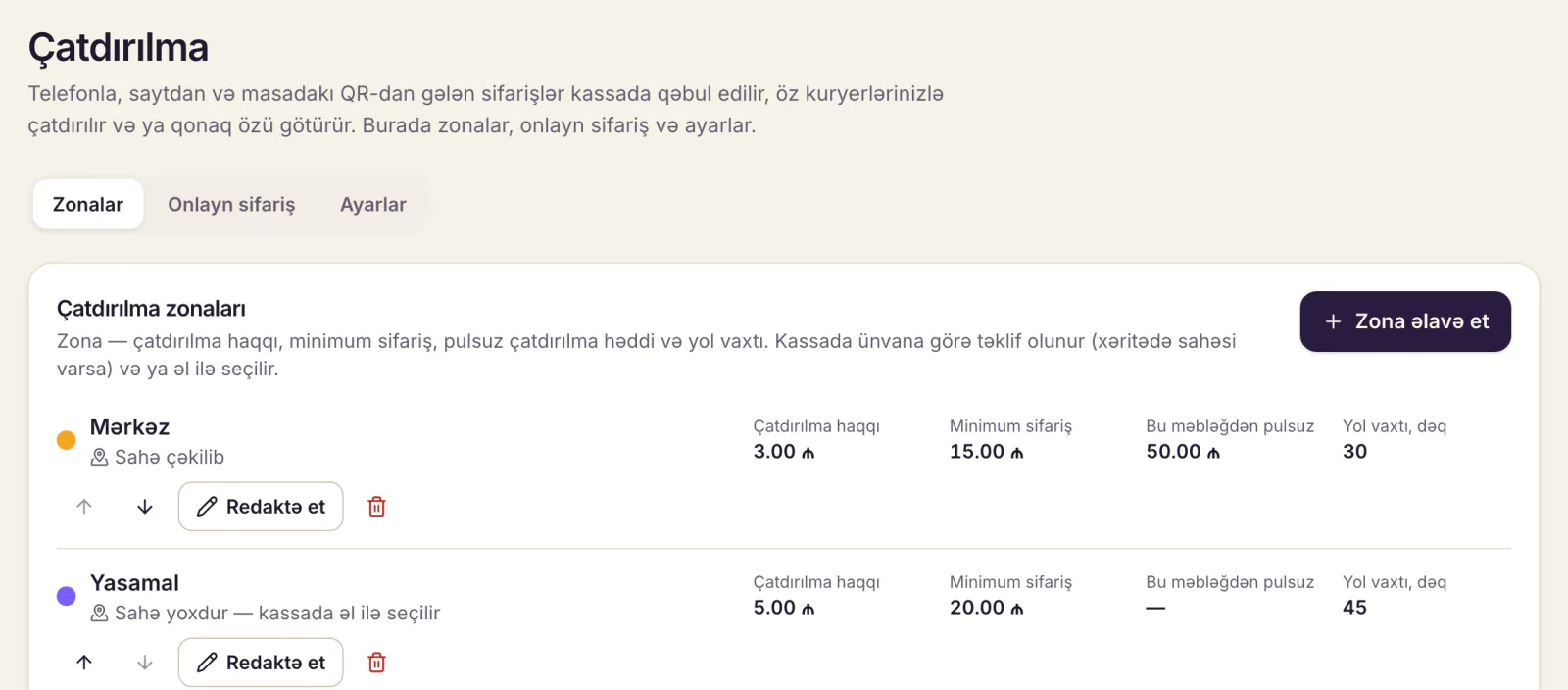
Menu and prices: a separate delivery menu
The most common mistake is loading the whole dining-room menu onto Wolt. Sixty items get lost in the app and half of them go cold on the way. We'd suggest 15–25 items that travel well. Plov, dolma, lula kebab, qutab (layered with paper so they don't steam), pakhlava all arrive fine. Fries and soufflé don't.
In the Merchant Portal you can add dishes one by one or import the menu through Google Sheets. Wolt recommends offering sides, drinks and desserts as add-ons, and its guide says this can grow the basket by up to 6%. A tea set, ayran or a piece of pakhlava work especially well in Baku.
On pricing: the delivery price has to cover commission and packaging. Check your agreement on whether app prices may differ from dining-room prices.
Wolt or your own couriers: a short comparison
| Wolt Partner | Own delivery | |
|---|---|---|
| New guests | The app brings them | You bring them with advertising |
| Cost | Commission on every order | Courier wages, transport, ads |
| Courier cash | Wolt settles it | Cash has to be counted every evening |
| Guest contact | Stays on the platform | Stays in your own database |
| When it pays | At the start, in new areas | When you have regulars and volume |
For most restaurants the answer isn't either-or. Wolt works as a shop window that brings new guests; regulars gradually start ordering by phone or through the restaurant's own link. The numbers and a decision checklist are in Wolt, Bolt Food or own delivery.
POS integration: when in Dishment
Wolt runs a POS integration programme: with an integration, Wolt orders go straight into the restaurant's till and kitchen instead of a separate tablet, and the menu and sold-out items are managed from the POS.
Here is where Dishment stands. The Wolt integration is in preparation and will open after testing with Wolt; we don't promise a date. Bolt Food is planned after that. Until then, you take Wolt orders in Wolt's own Merchant App.
A restaurant's own delivery works in Dishment's Delivery module today: online orders through the restaurant's link, orders from the QR code on the table, phone orders at the till, zones and delivery fees, a courier receipt and the courier's cash handed in to the shift. Payment is cash or card, to the courier or at the till; there is no online card payment. The module's price is on the pricing page.
DISHMENT
Want to see this in your restaurant?
We'll show you Dishment on your own menu in 30 minutes.
Free demoFAQ
How long does it take to sign up a restaurant on Wolt?
Wolt's public page gives no fixed timeframe. It depends on the agreement, how ready your menu and photos are, and your bank details. With the menu, photos and company details ready in advance, it goes much faster.
Who sets the minimum order on Wolt?
Minimum order and delivery terms come from the platform's settings and the partner agreement. Get them in writing from your Wolt manager.
Can I work with Bolt Food at the same time?
Usually yes, but check the agreement for an exclusivity clause. The real risk is the kitchen: when two tablets and the dining room all order at once, prep times stretch and late-order penalties follow.
I forgot my Wolt Partner app login. What now?
Log in to the Merchant Portal, open «Access management», then the «Merchant App users» tab, find the user and reset the password. If you've also lost the portal login, contact Wolt support.
How do I contact Wolt about partnership?
Wolt's partner page for Azerbaijan lists info@wolt.com for general questions. Existing partners reach support through the Merchant App or the Merchant Portal.
Does Dishment take Wolt orders?
Not yet. The Wolt integration is in preparation and will open after testing with Wolt. Own delivery, online and QR orders work today.
Sources
- Wolt for Merchants, Azerbaijan: merchant.wolt.com
- Wolt, «How to use the Wolt Merchant App»: merchant.wolt.com
- Wolt, «How to manage Wolt orders»: merchant.wolt.com
- Wolt, «Wolt merchant fees & commissions explained»: merchant.wolt.com
- Wolt, «How to manage your menu on Wolt» and «How to improve your venue availability»: merchant.wolt.com
- Tech.az, Wolt in Sheki (13 November 2025): tech.az
This information is current as of October 2026. Wolt's terms can change; the exact terms are in your agreement.